For most restaurants, the website has one job above all others: getting someone from “that looks good” to a confirmed table. And that moment almost always happens on a phone, often when people are already out, comparing two or three places.
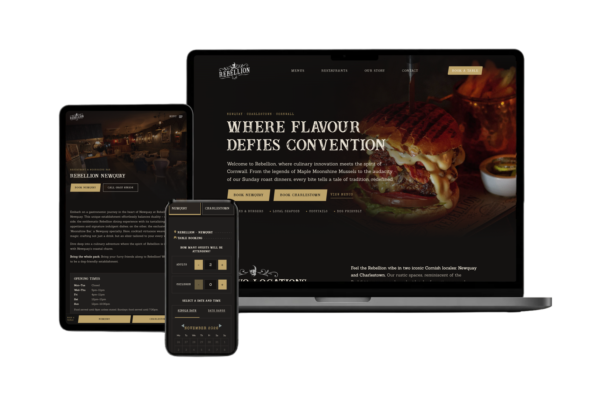
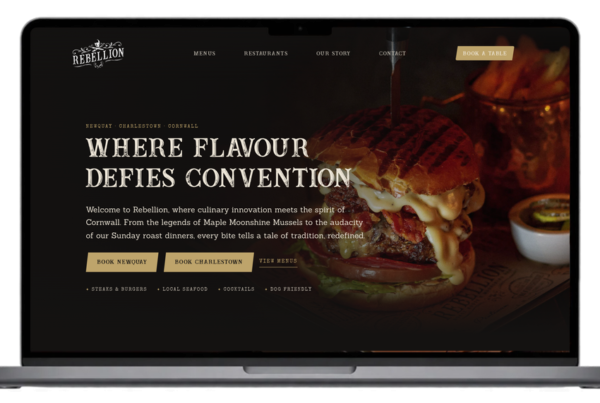
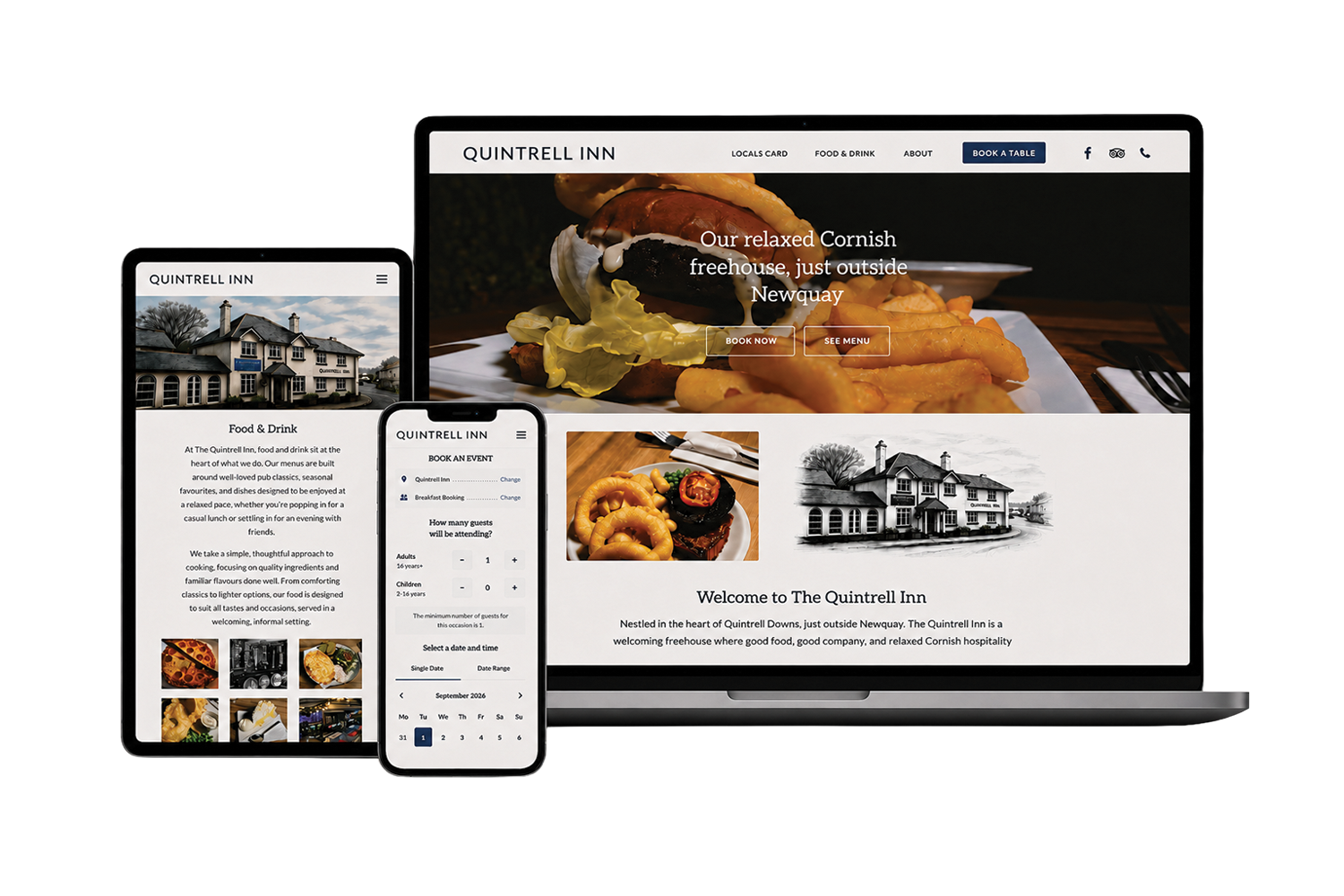
I’ve integrated online booking into restaurant and pub websites including Rebellion Roast House in Newquay and Charlestown, and the Quintrell Inn. These are the principles I keep coming back to.
1. Booking should never be more than a tap away
If the only route to booking is through the menu, every visitor has to go looking for it. On a phone that’s an extra step at exactly the wrong moment.
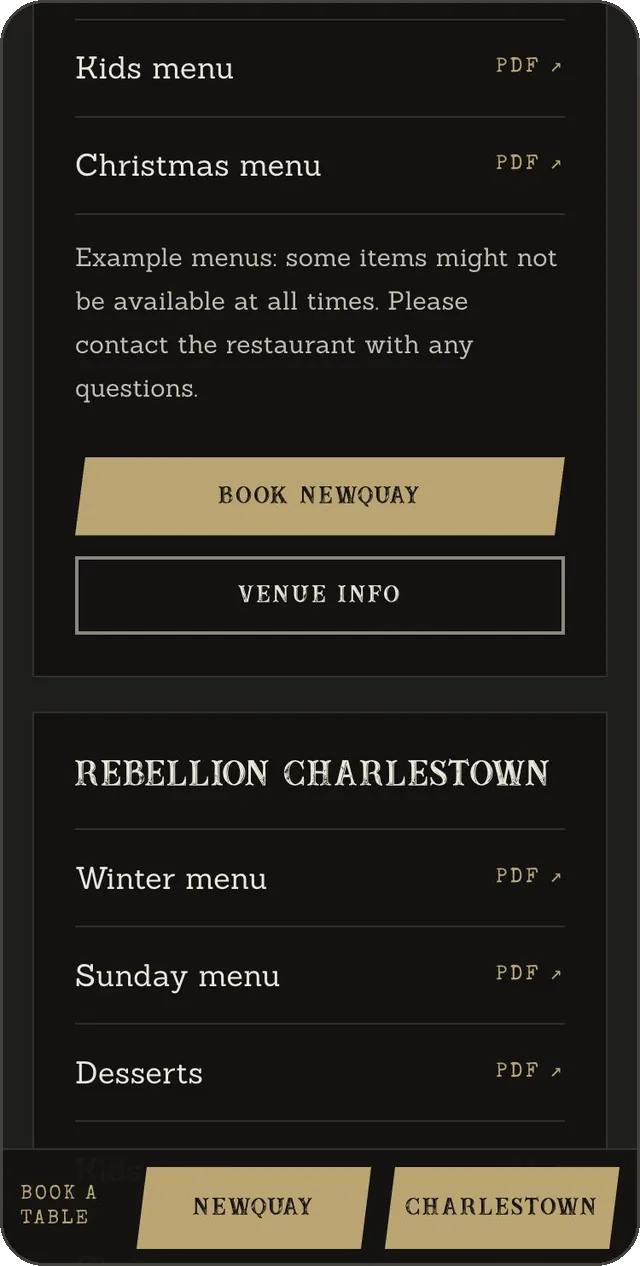
On desktop, a clear Book a table button in the header usually does the job. On phones and tablets, there’s a stronger case for a slim booking bar fixed to the bottom of the screen, where it stays in reach while people browse menus or check opening times. On the Rebellion site, that bar asks one question, which restaurant, and hides itself on the booking page, where it would only be in the way.
2. Don’t make people choose twice
If you have more than one venue, a common frustration is reading about one restaurant, tapping Book, and being asked to choose the restaurant again. It’s a small thing, but it’s friction at the decision point.
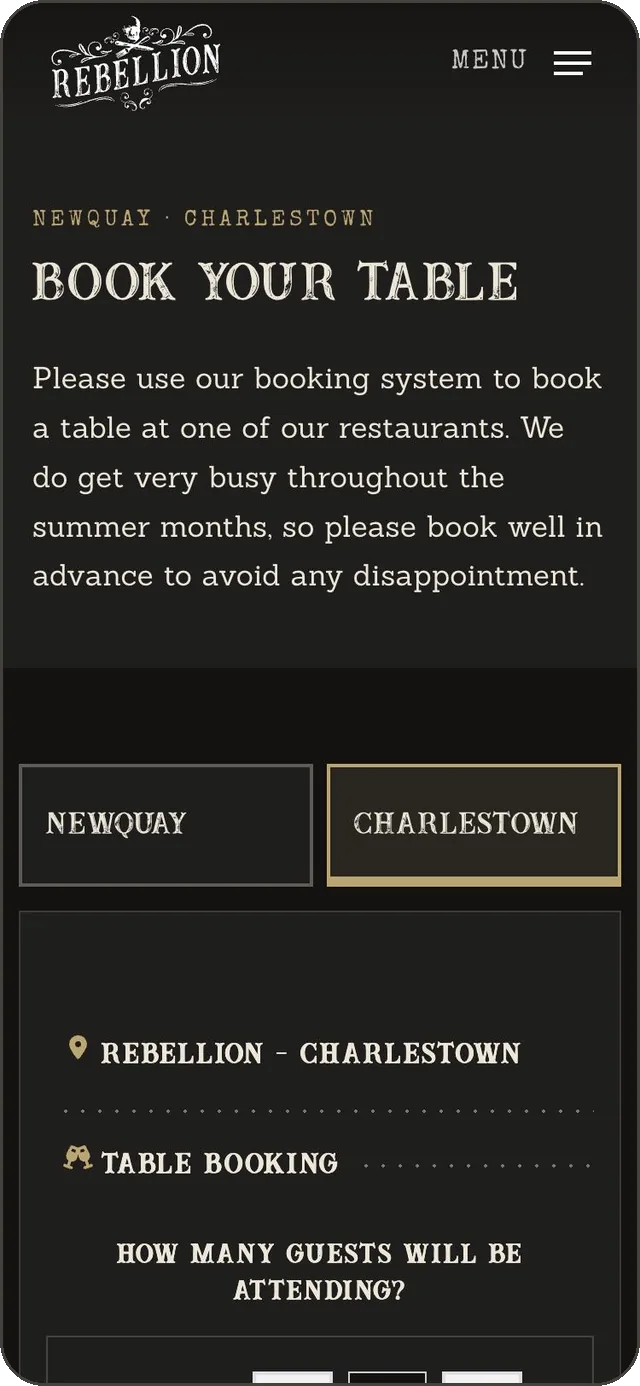
The fix is to carry the choice through. Booking buttons on each venue page link to the booking page with that venue already selected, so the right booking form opens straight away. If the customer changes their mind, clear venue tabs let them switch without starting over.
3. Know what your booking platform does, and what your website does
Most restaurants use an external reservation platform, and for good reason: availability, table management, confirmations and reminders are complex, and the platform is built for them. Rebellion uses liveRES by Zonal, and the Quintrell Inn’s table reservations also run through Zonal.
That split matters when planning a website. The platform handles the booking itself. The website decides how people arrive at it, how it looks, how it behaves on each device, and what happens if it fails. Most of the usability problems I see sit on the website side, not in the booking engine.
4. Make the booking feel like part of your site
An embedded booking form that suddenly switches to someone else’s colours and fonts can feel like being handed to a different company. Some platforms let a website supply its own stylesheet for the booking widget. Where that’s available, it’s worth using to match colours, type and buttons, while leaving the platform’s own layout and logic alone so updates on their side don’t break anything. Check what your platform allows before assuming either way.
5. Size the booking frame for the device
Booking widgets are usually embedded in a frame. If that frame is given a fixed height, it’s easy to end up with a long, mostly empty area on a phone, or a form that’s cut off. The frame should be sized sensibly for each screen, and checked on real phones as well as desktop.
6. Always leave a way through
Embedded booking forms rely on things outside your control: the platform being available, and the browser allowing the embedded form to work. Some privacy settings can interfere with third-party frames. So it’s worth adding a plain alternative underneath: open the booking in a new window, or call the restaurant, with a tap-to-call number. Nobody who wants to book should hit a dead end.
7. Keep the practical information right
Booking is only part of the decision. Opening hours, menus, location and parking all feed into it, and out-of-date information costs trust quickly. On the Rebellion site, hours and menus for both venues are managed from one settings screen, so changing them once updates every page that shows them.
A quick checklist
- From your homepage, on a phone, how many taps does it take to reach a booking form for a specific venue?
- Do venue pages open the booking with that venue already chosen?
- Does the booking form look like part of your website?
- Does it fit the screen on a small phone without a long empty area?
- Is there a phone number or new-window link if the form doesn’t load?
- Are this week’s opening hours and menus correct everywhere they appear?
If you’re running a restaurant, pub or café and booking feels harder than it should be, I’m happy to take a look. You can start a project, ask a quick question, or read about how I approach website design.