You don’t need a finished brief to start a website project. But a little preparation makes the whole thing faster, cheaper and better, mostly because it surfaces the decisions that otherwise get made in a hurry halfway through.
This is what I find most useful to have thought about before we start, with a few examples from real projects.
1. What the website is actually for
Most websites do several things, but one or two matter far more than the rest: booking a table, requesting a quote, buying a product, booking an appointment. Write down the one or two actions that would make the website worthwhile. Those decide the structure, the calls to action and what appears on a phone screen first.
2. Who it’s for, and what they need to know
List the main types of customer and the questions they ask before they buy or enquire. Your sales calls, emails and reviews are full of these. They become the pages and sections of the site, and they’re far more useful than a list of things you’d like to say.
3. What’s working now, and what isn’t
If you have an existing site, note what people use, what they complain about, and what you find hard to update. Even a few honest notes help avoid rebuilding the same problems on a new design.
4. Words: who is going to write them?
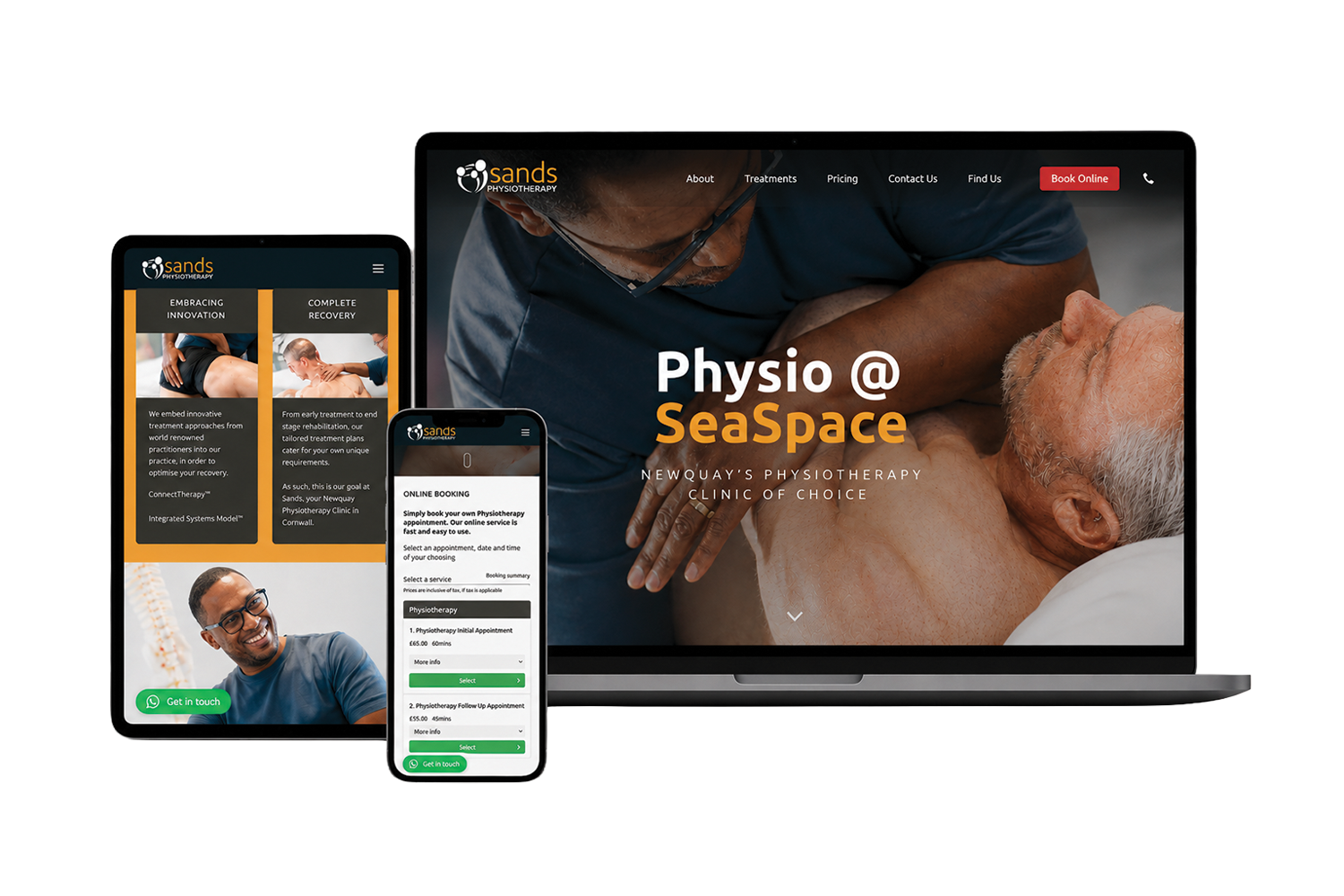
Copy is the most common cause of delay. It’s worth deciding early whether you’ll write it, someone in your team will, or it’s part of the project. When Sands Physiotherapy came to me, there was no finished website copy, so I wrote it as part of the project, shaped around clarity, reassurance and the services people were actually searching for. Either approach works. What doesn’t work is assuming it will appear at the end.
5. Photography and video
Honest question: do you have recent, good-quality images of your work, your premises and your people? Sadie Jewellery arrived with a strong bank of product and lifestyle photography, which gave the online store a head start. Sands didn’t have enough suitable imagery, so I brought in and directed a photographer for a structured shoot. Knowing which situation you’re in early means the shoot can be planned rather than rushed. More on that on the content page.

6. The practical information
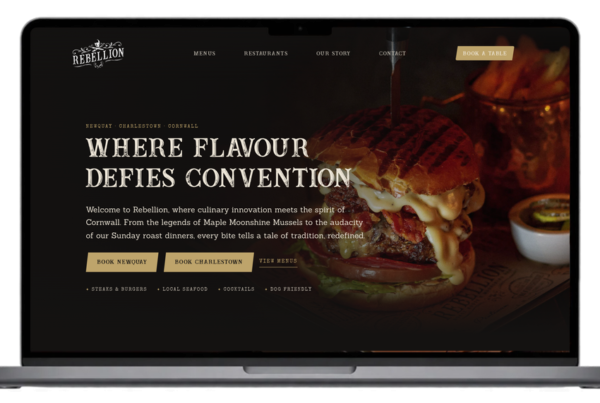
Opening hours, locations, prices, menus, service lists, team members. Gather them in one place and decide who keeps them up to date. For Rebellion Roast House, hours and menus for two restaurants are managed from one settings screen, because that information changes regularly and needs to be right everywhere it appears.
7. The tools you already use
Booking systems, online shops, payment providers, email newsletters, CRMs. List what you use now and what you’re happy with. Integrating an existing system is often better than replacing it: Sands kept its existing booking system, embedded into the new site so people can book without leaving it.
8. Access and accounts
It’s surprisingly common for a project to stall because nobody can find the domain login. Before starting, check you know who controls the domain, the hosting, the current website, analytics and any social accounts. You don’t need to share passwords up front, just know where they are.
9. Timing, budget and who decides
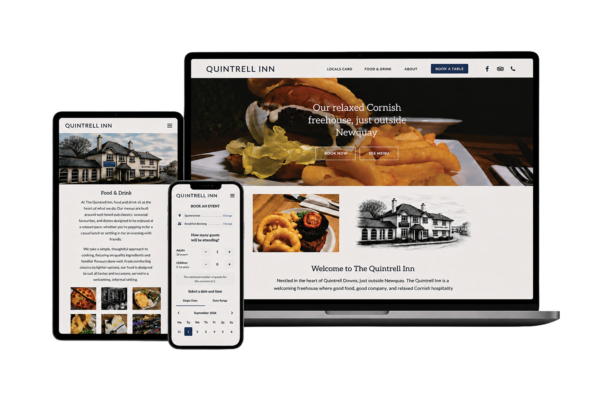
Be open about deadlines and budget. Neither needs to be fixed, but both shape the right approach. The Quintrell Inn project had to be ready for the summer season with a carefully managed budget, so we prioritised the parts that would make the biggest difference to customers. Finally, decide who signs things off. One clear decision-maker keeps a project moving.
A one-page checklist
- The one or two actions the website must make easy
- Your main customer types and their top questions
- Notes on your current website: what works, what doesn’t
- A decision on who writes the copy
- An honest view of your photography and video
- Hours, locations, prices and other practical details in one place
- The tools and systems the site needs to work with
- Who controls the domain, hosting and analytics
- A target date, a budget range and one decision-maker
Don’t worry if you can only tick half of it. That’s exactly what the first conversation is for. When you’re ready, you can start a project, or get in touch if you’d rather ask a question first. You can also see everything I can help with on the services page.